python如何使用pip安装beautifulSoup 4包
1、需要先安装好python,未懂安装的可以参考我之前写的一篇经验。https://jingyan.baidu.com/article/3c48dd34df1fd1e10be358b6.html
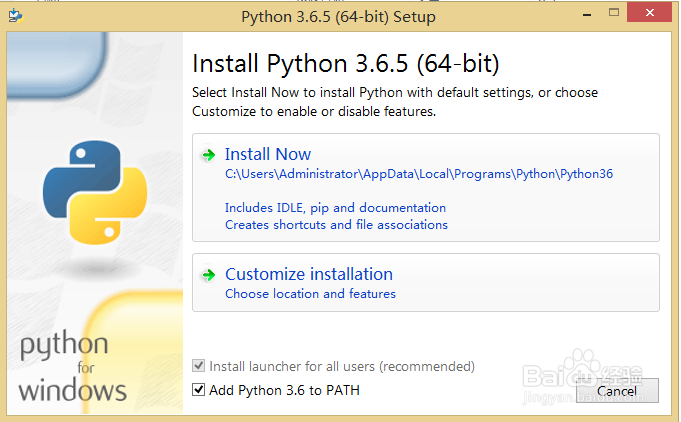
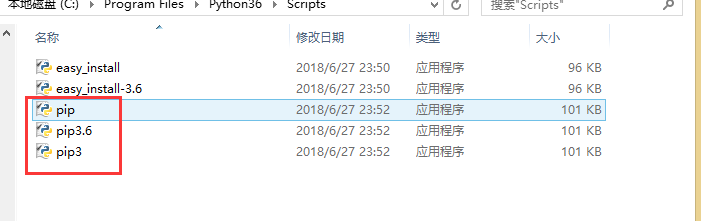
2、python 3.6.5安装完成后,这个python版本已经集成了pip,不需要再去安装pip了
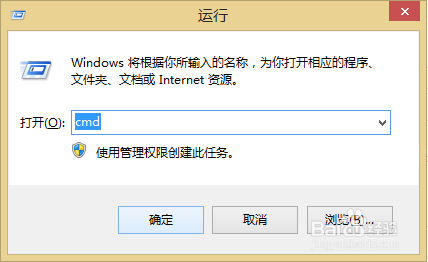
3、同时按win+R,点击【确定】,打开命令行窗口
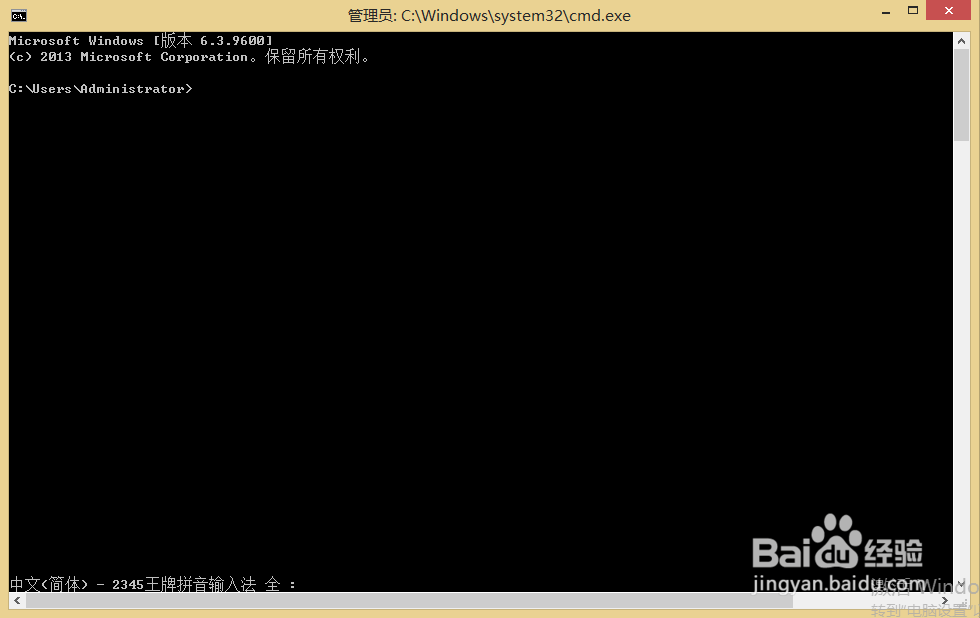
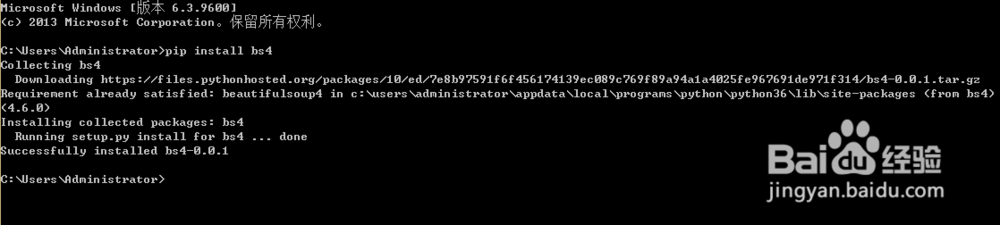
4、输入命令pip install bs4,等待几秒,让其自动安装,安装成功后页面如下图提示
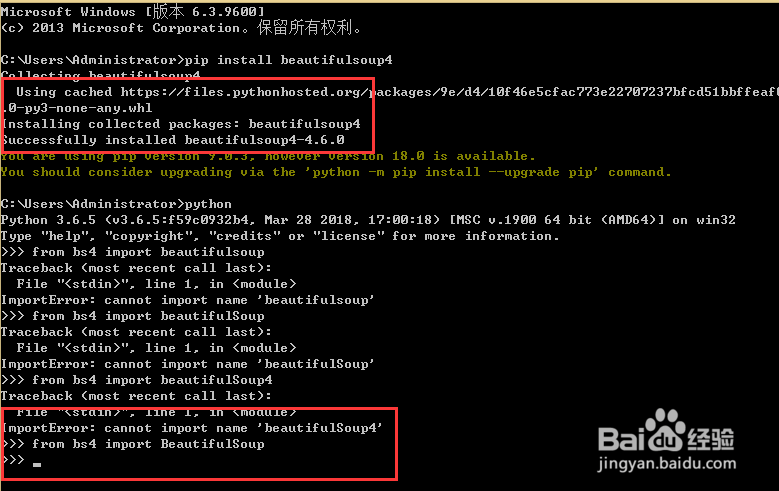
5、当想要调用beautifulSoup 4的时候只要输入命令from bs4 import BeautifulSoup就可以了,如果没有提示错误说明导入成功
6、到这一步beautifulSoup 4的安装和调用说明就说完了,谢谢阅读
阅读量:170
阅读量:77
阅读量:176
阅读量:26
阅读量:109