Source Insight如何创建新工程
1、打开Source Insight软件,点击“Project”->“New Project”

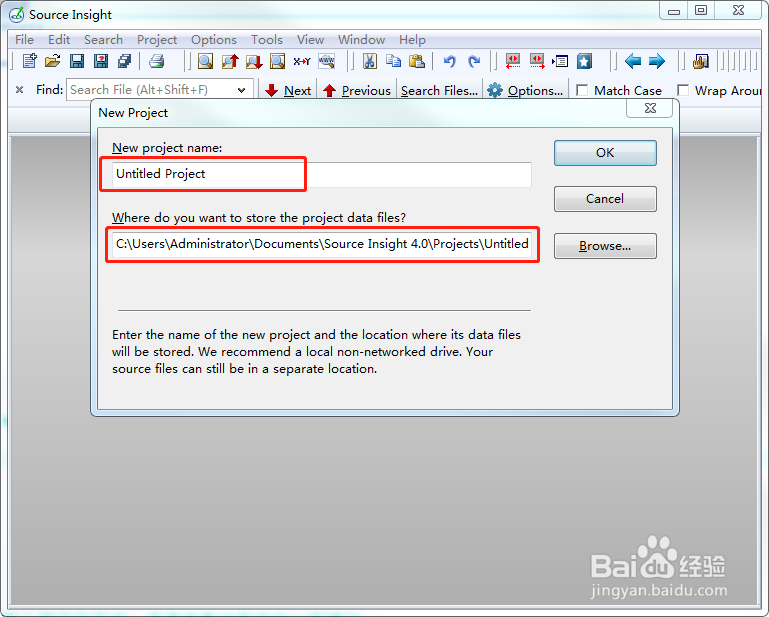
2、填写创建的工程名字和路径
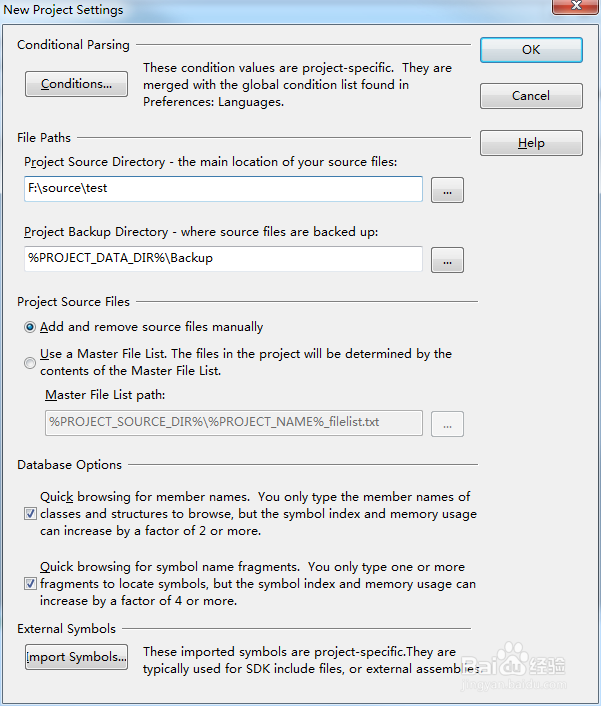
3、工程设置为默认,点击OK
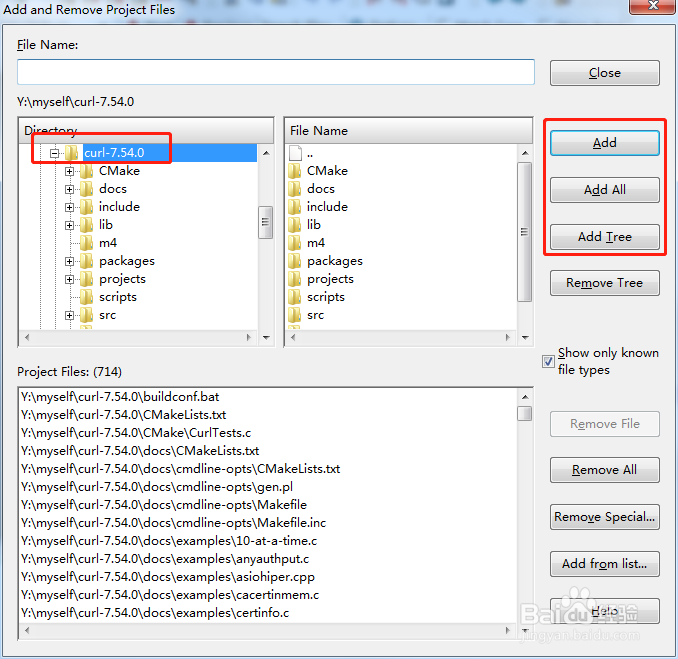
4、添加工程文件
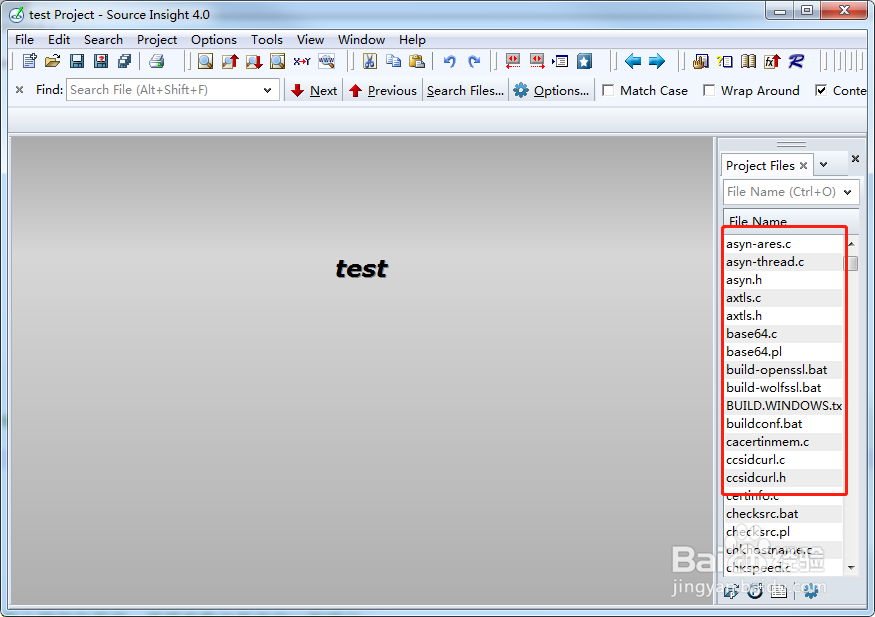
5、双击工程文件进行编辑
阅读量:56
阅读量:54
阅读量:148
阅读量:126
阅读量:100
1、打开Source Insight软件,点击“Project”->“New Project”
2、填写创建的工程名字和路径
3、工程设置为默认,点击OK
4、添加工程文件
5、双击工程文件进行编辑